

CRM Compliance Guide
CRM compliance is the ongoing process of aligning your CRM data practices with laws, security standards, contractual obligations, and internal policies governing how customer data is collected, stored, used, shared, and deleted.
What is CRM compliance?
What Is CRM Compliance?
Your CRM knows a lot about people. Names, emails, purchase history, support tickets, health information, and financial data — depending on your industry, a single contact record can hold more personal details than most filing cabinets ever did.
With so much private data being communicated and documented, rules need to be in place to prevent its compromise or misuse. That is exactly why CRM compliance exists.
CRM compliance is the ongoing process of aligning your CRM data practices with the laws, security standards, contractual obligations, and internal policies governing how customer data is handled. This is not a one-time audit. It’s a living program outlining how your customer data is collected, stored, used, and deleted.
As multiple teams touch the CRM, CRM compliance is a shared responsibility across marketing, sales, service, operations, IT, and legal.
In practice, that means CRM compliance may look like:
• Marketing obtaining and recording consent before sending emails.
• Sales only having access to the records of their assigned accounts.
• Ops being able to delete a contact within 30 days if requested.
• IT proving, via an audit log, who changed what and when.
• Legal ensuring that data sent to third-party tools follows transfer rules.
Think of it this way: unlike a journal tucked under a mattress, your CRM is accessed by dozens of people across multiple teams every day, which is exactly why CRM compliance can’t be an afterthought.
CRM Security Policies and Required Controls
Every major compliance framework requires a set of technical controls in your CRM to execute and maintain compliance. Here are some of the most important ones.
Encryption and Key Management
A compliant CRM must encrypt data in transit and at rest. In other words, it has to make it unreadable.
In transit means that data moving between your browser, your CRM, and any connected tools is protected by TLS (Transport Layer Security). At rest means that data stored in databases, backups, and logs is encrypted using AES-256 or equivalent standards.
Key management, or who holds the encryption keys, is equally important. Enterprise-grade CRMs should offer customer-managed keys for organizations that require them under HIPAA or ISO 27001.
HubSpot Smart CRM encrypts all data in transit and at rest by default. For enterprise customers with advanced compliance needs, HubSpot supports additional security configurations.
Verify current certifications and download security reports at trust.hubspot.com.
Role-Based Access and Least Privilege
Your CRM can have dozens if not thousands of users, which makes controlling who sees what one of the most important things you can do.
Role-based access control (RBAC) means that every user in your CRM can only see and do what their job requires.
For instance, a sales development rep should not have access to executive compensation data, and a marketing intern should not be able to bulk-delete contact records.
Following the least privilege principle is wise, especially at larger organizations. It means that even within a role, permissions should be kept as narrow as possible. This way, the impact is minimized if an account gets compromised.
Here’s an example of what that may look like:
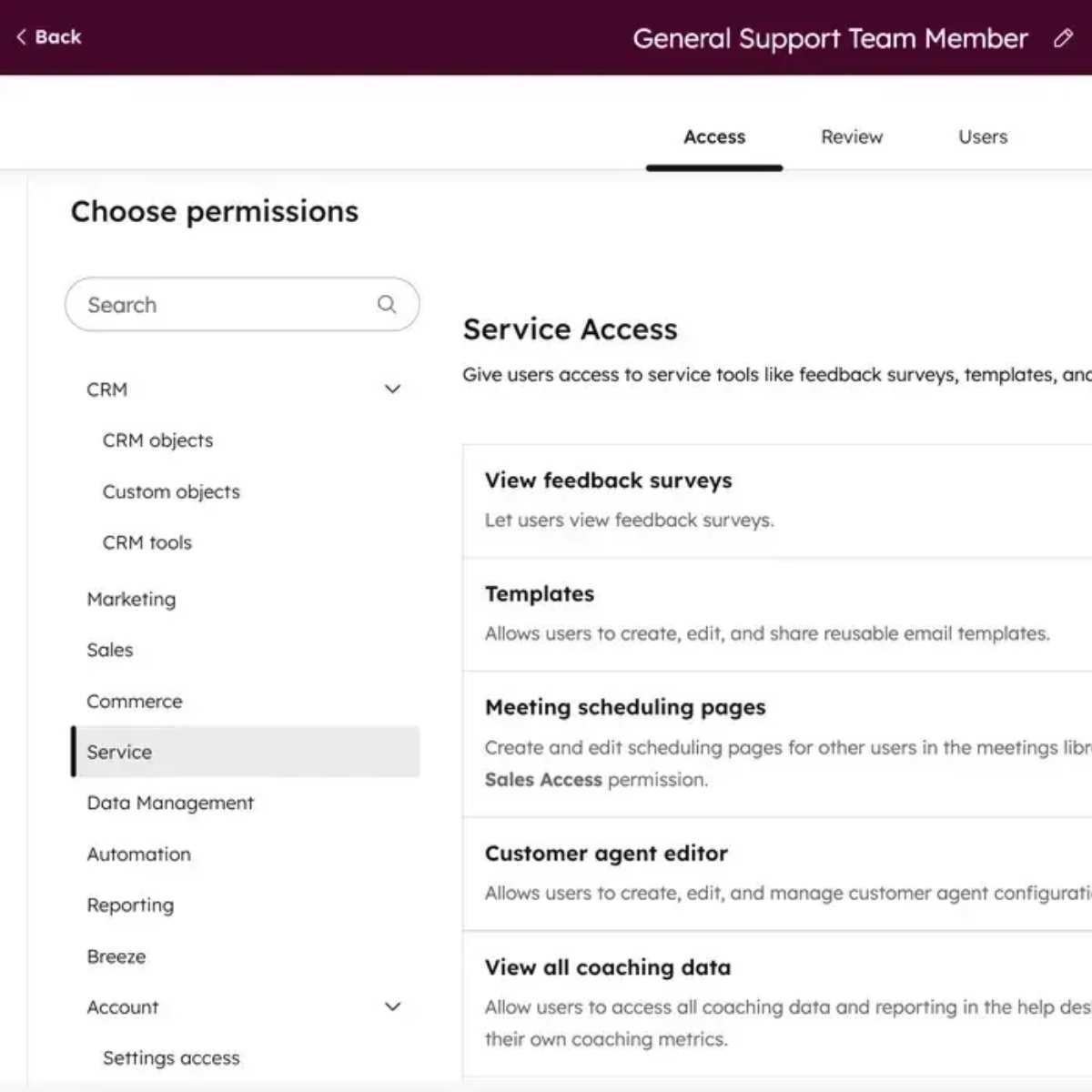
• Defining user roles (admin, manager, rep, read-only) with granular permissions.
• Restricting access to records by team, territory, or deal stage.
• Updating access when employees change roles or leave.
• Reviewing user permissions on a regular basis.
User and permission settings are also available in all HubSpot accounts.
Controls, access, and governance
Authentication, SSO, and MFA
Weak credentials are one of the most common causes of data breaches. According to IBM’s 2024 report, breaches involving stolen or compromised credentials like passwords and usernames took an average of 292 days to identify and contain.
To protect against that, a compliant CRM should require:
• Multi-factor authentication (MFA) for all users, especially admins.
• Single sign-on (SSO) integration with your identity provider (for example Okta, Azure AD, or Google Workspace), so users log in to a single system that gives them access to the tools they need.
• Session timeouts and automatic logout after inactivity, reducing the risk of unattended workspaces being accessed.
• IP allowlisting for organizations with fixed-location teams.
Audit Trails and Change History
An audit trail is a timed log of every significant action taken in your CRM, including who created a record, who changes a field, who exports data, and who runs reports.
Regulators and auditors look for this during investigations to better understand where things may have gone wrong.
Without audit trails or change history, you can’t:
• Prove a consent record was not retroactively modified.
• Determine who deleted a contact and when.
• Show an auditor that access was promptly revoked after an employee’s departure.
HubSpot Smart CRM maintains detailed activity logs for contacts, companies, deals, and admin actions in addition to asset editing. These logs are exportable for audit purposes.
How to Manage Integrations Without Risking CRM Compliance
One of the most common compliance exposure points is integration. Every tool connected to your CRM can receive a copy of some subset of your customer data, and without oversight, it becomes a risk.
Marketing automation tools, ad platforms, analytics tools, data enrichment services, outbound dialers, and customer success platforms may all receive CRM data. Integration governance means holding the same compliance standards for your connected stack that you hold for your core CRM.
Integration Governance Principles
1. Share the minimum necessary data. Only sync the fields each tool actually needs.
2. Apply least-privilege API scopes. Only request or allow the permissions an integration truly needs.
3. Have an app approval process. Require IT or RevOps sign-off before a team member installs a new CRM integration.
4. Review vendors regularly. Reassess whether each connected app still meets your compliance, legal, and security expectations.
Pro tip: One often-overlooked risk is data broker enrichment services.
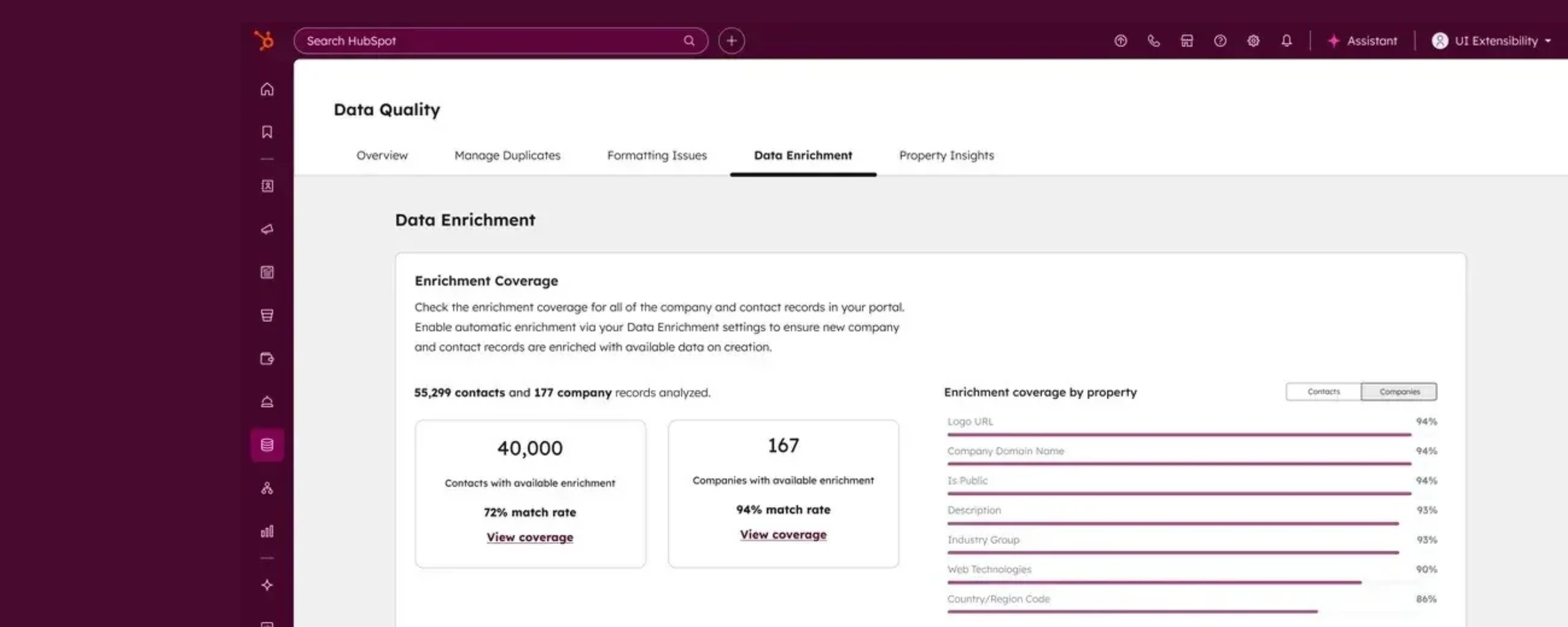
If you plug in a third-party enrichment tool that appends data to your CRM records, you need to verify that the source data was collected legally and that storing it in your CRM is consistent with your privacy policy.
This is especially relevant under GDPR, where the lawful basis for processing must cover data obtained from third parties.
Final takeaway